
Download YouCine APK for TV (Android Smart TV/TV Box/Fire TV Stick)
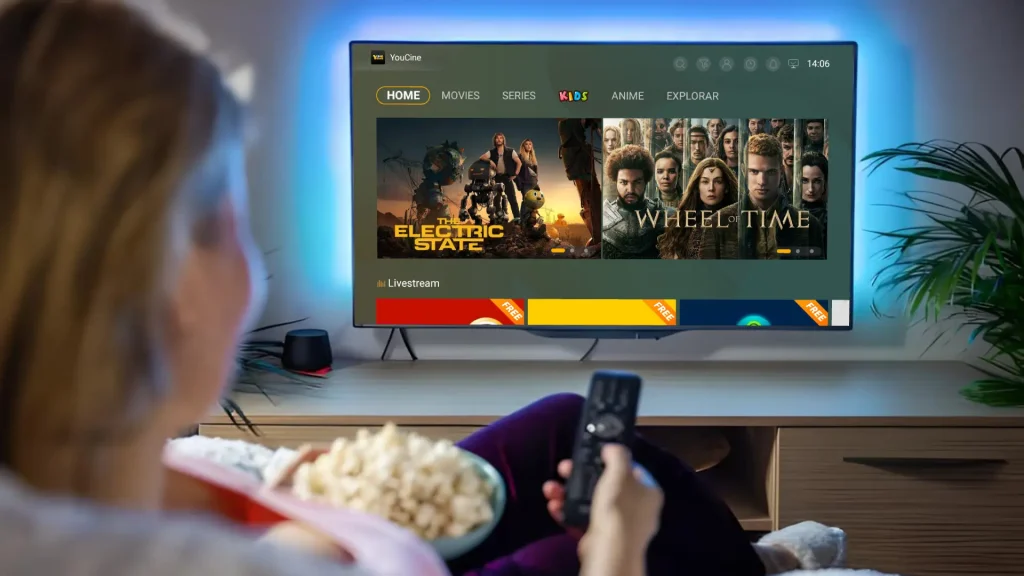
Do you wish to watch YouCine movies and series smoothly on a large TV screen? Even if your TV does not have an Android system, you can install it through TV boxes or Fire Sticks.
For Android smart TVs (Sony, Xiaomi, etc.), manually download the YouCine APK as it is not on official app stores. For non-Android TVs (Samsung, LG), use a TV Box or Fire TV Stick.
Why Use YouCine on TV?
- Immersive Viewing Experience: Big screen + high-quality sound for a cinema-like experience.
- Better for Family and Friends: Everyone can enjoy movies together.
- Smooth and Stable Playback: Smart TVs/TV boxes prevent interruptions like notifications or low battery warnings.
- Free Up Your Phone: Use your phone for other tasks while streaming on TV.
How to Download YouCine on Android TV
- Enable Unknown Sources in TV Settings → Security & Restrictions.
- Download the APK:
- Direct on TV: Use browser or Downloader app to get APK.
- Via USB: Download on computer, transfer to USB, plug into TV.
- Open file manager, locate the APK, tap “Install”.
- Launch app from TV menu, log in or register.
How to Download YouCine on TV Box / Fire TV Stick
- Enable Unknown Sources in device settings.
- Install AFTVnews app → enter YouCine APK URL (e.g., http://aftv.news/4444653).
- Open file manager → find APK → tap install.
- Launch app → log in or register.
FAQs
Yes, YouCine works on Android TV, Smart TVs with Android OS, Fire Stick, TV Boxes, and devices that support APK installation.
Check installation, enable unknown sources, or restart your TV.
Ensure a stable internet connection; reduce streaming quality if necessary.
Download the latest APK from the official site and reinstall.
Allow installation from unknown sources carefully; only use official APK sources.
Check the in-app subtitle settings.
Conclusion
Watching YouCine on TV enhances your entertainment experience. Downloading and installing YouCine—on Smart TVs, TV Boxes, or Fire Sticks—is simple and turns your TV into a hub for movies and series.
Grab the remote, pick a title from YouCine’s catalog, and relax. Enjoy hours of content for the whole family without paying for multiple streaming subscriptions.